
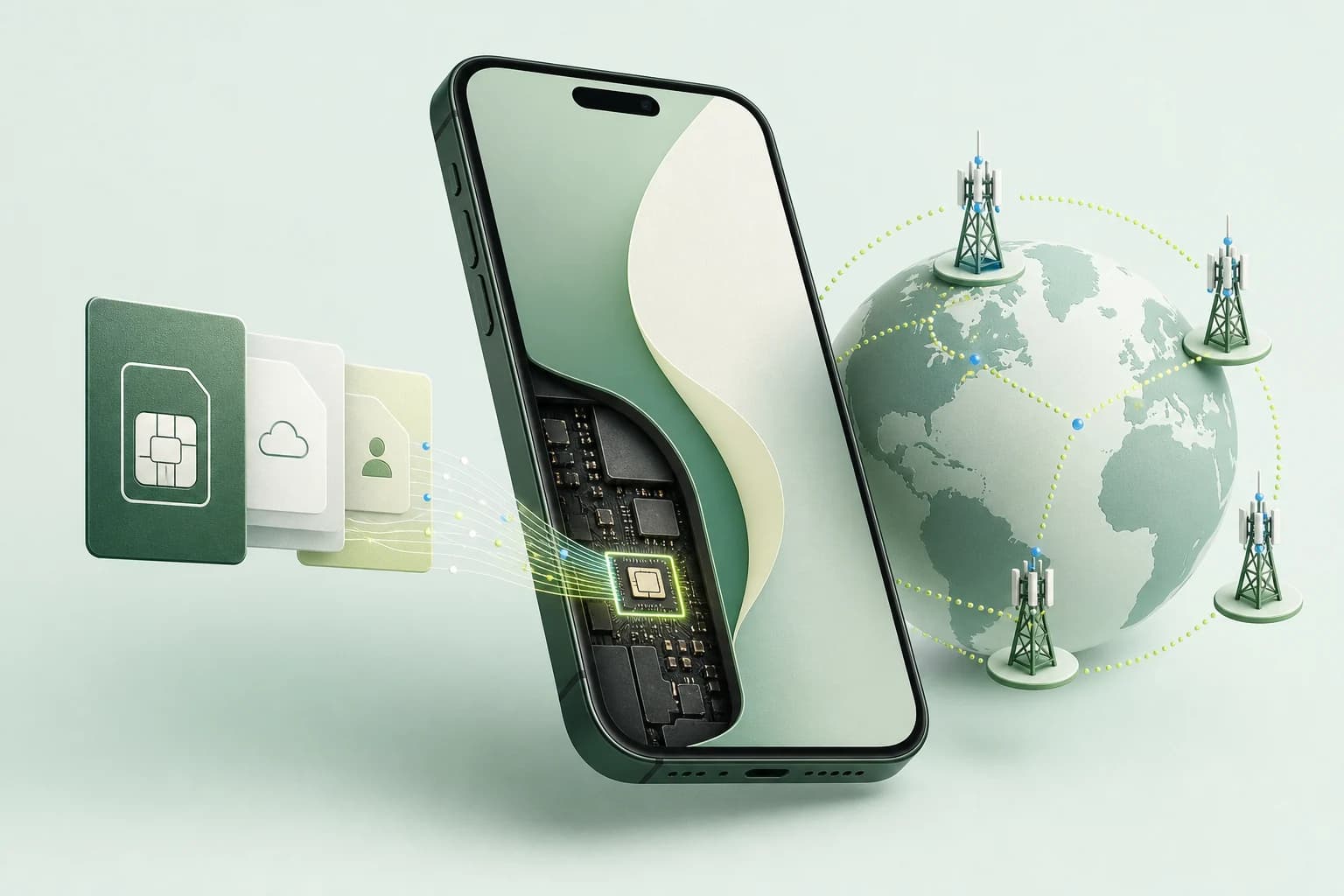
An eSIM is a digital SIM built into a compatible device. It identifies your subscription to a mobile network just like a removable SIM card, but you download the operator’s profile instead of inserting plastic. You can activate it with a QR code, an app, a carrier link or manual details, then choose that line for calls, messages or mobile data.
This guide is for travellers and first-time eSIM users. It explains what happens inside the phone, how to check compatibility, when installation becomes activation and how to keep your normal number while using a separate travel data plan.
What exactly is an eSIM?
The “e” means embedded. A small secure component is permanently fitted inside the phone, tablet or watch. A mobile operator can remotely provision a SIM profile onto that component; the profile contains the credentials needed to authenticate on its network. The GSMA’s guide to eSIM architecture documents the standard behind this process.
The embedded chip and the mobile plan are not the same thing. The chip is hardware; the downloaded operator profile is software. Removing a plan from the settings deletes that profile, not the chip. A compatible phone can therefore store more than one profile and let you switch lines without opening a SIM tray.
An eSIM can be a normal domestic subscription with a phone number, or a prepaid travel plan. Many travel eSIMs are data-only: they provide internet access but no local number, SMS allowance or conventional calls. WhatsApp, FaceTime, Signal and other internet services still work through mobile data.
How does an eSIM work step by step?
The process has four distinct stages. Keeping them separate prevents most activation mistakes.
- Purchase or request a plan. A carrier or travel eSIM provider creates a profile for your order.
- Install the profile. The phone downloads it over Wi-Fi or another internet connection, usually after you scan a QR code or use the provider’s app.
- Activate the plan. Depending on the provider, validity may begin at installation, when you press an activation button or only when the eSIM first connects to a supported network at the destination.
- Select the line. In the phone’s SIM settings, choose which line handles mobile data, voice and messages. A travel eSIM may also require data roaming to be enabled on that line.
Installation does not guarantee a connection. The phone still needs compatible radio bands, coverage from a partner network and a valid plan. Likewise, an eSIM does not unlock a carrier-locked device. If two different carriers are involved, the phone must permit their plans.
Apple lists QR codes, carrier links, carrier apps, manual entry and device-to-device transfer among its official eSIM setup methods. Google’s Pixel instructions similarly place eSIM setup inside the phone’s network settings.
eSIM vs physical SIM: what changes?
Both formats perform the same essential job: they securely identify a subscriber to a mobile network. The main differences concern delivery, switching and recovery—not signal strength.
| Question | eSIM | Physical SIM |
|---|---|---|
| How is it installed? | Downloaded as a digital profile | Inserted into a SIM tray |
| Can it be delivered instantly? | Usually, once the order is approved | No; it must be collected or shipped |
| Can it be lost or damaged separately? | No, because the chip stays in the device | Yes |
| Can several plans be stored? | Often yes; the exact number depends on the device | Only as many as the available SIM slots |
| Is it easy to move to another phone? | Transfer depends on the carrier, provider and device | Usually by moving the card |
| Does it improve reception? | No | No |
An eSIM is convenient when changing plans or preparing a trip before departure. A physical SIM can still be easier when you frequently move one line between devices, need help from a local shop or use an older phone. Neither format is universally better.
Is my phone compatible with eSIM?
Compatibility depends on the exact model, sales region and carrier status. A product family name is not enough. Some models sold in one country support eSIM while a version sold elsewhere does not. Carrier-issued phones can also remain locked even when their hardware supports eSIM.
Before paying, complete these checks:
- Use our eSIM-compatible phone checker and match the exact model number.
- Open the device settings and look for “Add eSIM”, “Add mobile plan” or an EID identifier.
- Confirm that the phone is carrier-unlocked if the new plan comes from another company.
- Check the provider’s own supported-device list and destination restrictions.
- Update the operating system before installing a new profile.
For useful reference points, Apple supports eSIM on iPhone XS, iPhone XS Max and iPhone XR or later, with regional exceptions. Its current SIM-type list also shows which models support two active eSIMs. Google states that Pixel 4 and later support eSIM, while earlier Pixel versions have purchase-region and carrier exceptions in its official compatibility guidance.
Can I use an eSIM and keep my normal number?
Usually, yes. Dual SIM lets you keep your primary line active for your usual number while assigning mobile data to a second eSIM. This is particularly useful for receiving bank authentication messages and remaining reachable during a trip.
A safe travel configuration is:
- Primary SIM: calls and SMS; mobile data roaming off.
- Travel eSIM: mobile data; data roaming on if the provider requires it.
- Cellular data switching: off unless you understand when the phone may fall back to the primary line.
Dual SIM does not mean two simultaneous data connections. For example, Apple states that an iPhone uses one cellular data network at a time. iPhone 13 and later can support two active eSIMs, while Google says Pixel 7 and later can use two eSIM profiles simultaneously when the carrier permits it. Older compatible devices commonly pair one physical SIM with one eSIM.
Keeping a home line active can still incur charges for outgoing calls, answered calls or roaming services. Check your carrier’s rules, disable data roaming on that line and use internet calling when practical.
How to install and activate a travel eSIM safely
Install the plan before departure while you have reliable Wi-Fi, but first read when its validity starts. Some plans begin on first connection at the destination; others can start as soon as the profile is installed or manually activated.
Use this sequence:
- Save the QR code and manual installation details somewhere available offline. Do not display a private QR code publicly or scan it with another phone.
- Install the profile from the device’s cellular or network settings. If the QR code is displayed on the same phone, use the provider’s app, a link or manual entry instead.
- Give the new line a clear label such as “Japan trip” or “Travel data”.
- Leave it turned off until the provider’s stated activation moment.
- After landing, select it for mobile data and enable data roaming on the travel line only if instructed.
- Wait a few minutes, toggle airplane mode once and restart the device if it does not register.
Do not delete a profile while troubleshooting unless the provider confirms it can be reinstalled. Many QR codes are designed for one installation only. Screenshot the order number and support details before leaving Wi-Fi.
How to choose an eSIM for travel
“eSIM” describes the delivery format, not the quality of the offer. Compare the plan itself before buying:
- Local network: a named partner network is more useful than a vague coverage claim.
- Data allowance: fixed data is predictable; “unlimited” can include daily high-speed limits or throttling.
- Validity: check both the number of days and the event that starts the countdown.
- Hotspot rules: tethering may be allowed, capped or blocked.
- Top-ups: determine whether you can add data without installing another profile.
- Calls and SMS: most travel products are data-only.
- Support and refunds: read what happens if the device is incompatible or the network never connects.
For real plan examples, see our independently researched guides to eSIMs for Japan, Thailand and the United States. If you are deciding between two major travel providers, our Airalo vs Holafly comparison explains the practical differences in data, hotspot use and plan structure.
Advantages, limitations and common mistakes
The main advantages are fast delivery, no tiny card to swap, easier storage of several profiles and the ability to prepare connectivity before a trip. Because the eSIM cannot be physically removed from a stolen phone, Apple also presents that as a security advantage.
The limitations matter just as much. Device and regional support are inconsistent; transferring a line can depend on the carrier; a deleted profile may not be reusable; and a data-only eSIM does not replace a local phone number. Travel offers can also route traffic through another country, which may affect latency or the apparent location used by websites.
The most common mistakes are buying before checking the precise device model, confusing installation with activation, enabling roaming on the wrong line, leaving automatic data switching on and assuming “unlimited” means unlimited full-speed data.
Frequently asked questions
Does an eSIM give you a phone number?
It can, but it does not have to. Domestic carrier eSIMs commonly include a normal number, calls and SMS. Many prepaid travel eSIMs are data-only. Read the plan details rather than assuming that “eSIM” describes the included services.
Do I need Wi-Fi to install an eSIM?
Usually yes, because the phone must download the profile before it can use that line. Install over reliable Wi-Fi before travel. A few device-and-carrier combinations support alternative activation, but you should not rely on that after landing.
Can I install the same eSIM on two phones?
Usually not. A profile and its QR code are normally intended for one device and may allow only one installation. Carrier-supported transfer tools can move some subscriptions, but copying the same profile to two phones is not the standard workflow.
Should I remove my physical SIM?
No. If the device supports Dual SIM, you can leave the physical SIM installed and use the eSIM for travel data. Select the correct data line and disable roaming on the home SIM to control charges.
Can I delete and reinstall an eSIM?
Only if the provider explicitly supports reinstallation. Deleting it does not cancel every subscription, and the original QR code may no longer work. Contact support before removal when a plan is active.
An eSIM is ultimately a more flexible way to load a mobile subscription—not a different kind of mobile network. Start by checking your exact phone, then compare destination coverage, activation timing and plan restrictions. You can browse all our country eSIM guides once your device is confirmed compatible.